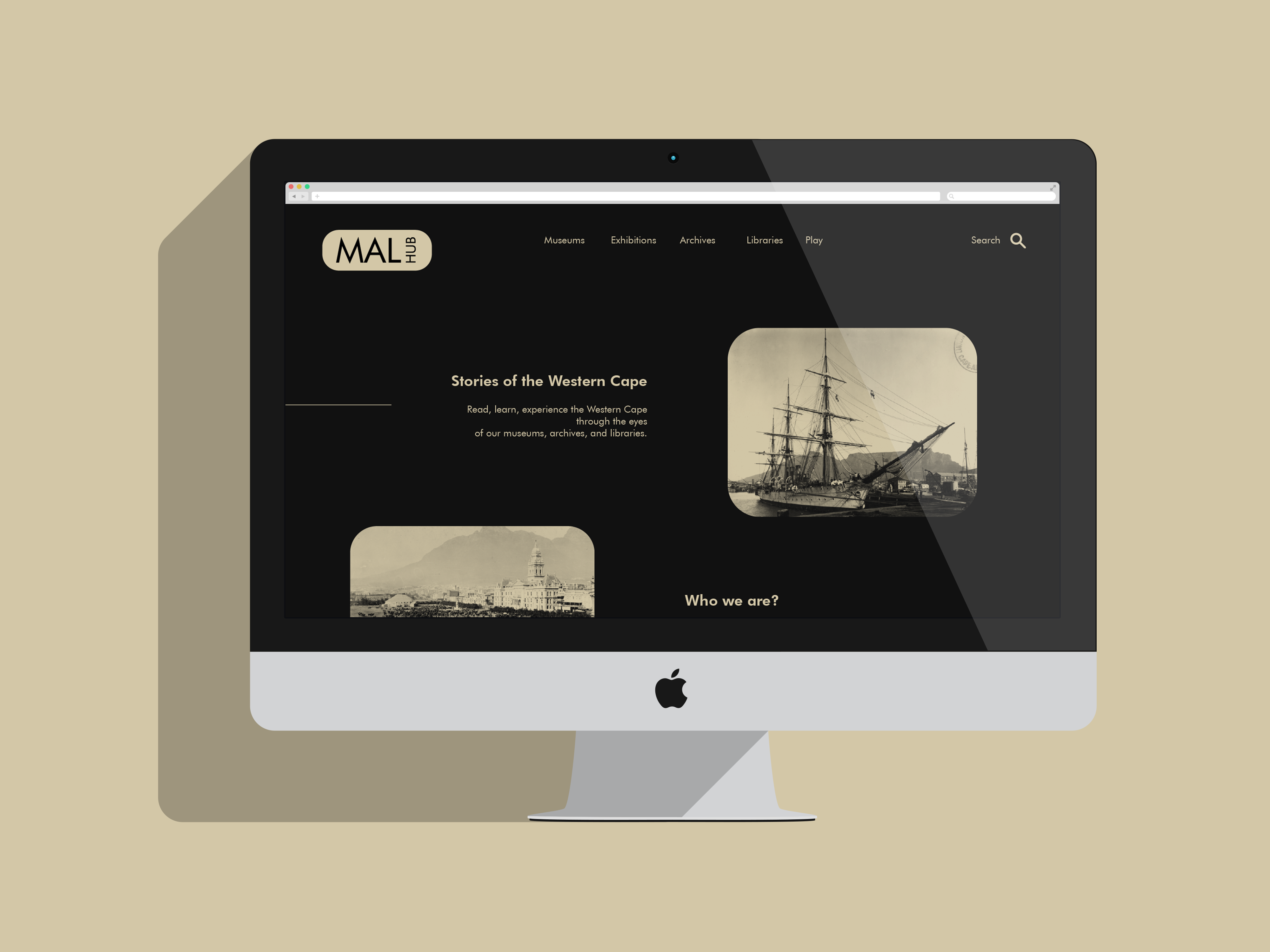
MalHub web portal
the following unpacks the design and navigation of the MalHub web portal.

fonts
The design used Futura Bold and Futura Book to balance modernity and readability, fitting for a website dedicated to archives, museums, and libraries. Futura Bold was chosen for headings and key elements to create a strong, impactful presence, emphasizing important information and drawing the viewer's attention. Its geometric and contemporary look conveys a sense of forward-thinking while still respecting the timeless nature of historical and cultural content.
Futura Book, on the other hand, was used for body text and longer passages to maintain clarity and readability. Its clean lines and simple forms make it easy on the eyes, ensuring that content is accessible and pleasant to read. Together, these typefaces create a cohesive and elegant design that honors the website’s educational and archival purpose while engaging a wide audience.

color palette
The choice of #d3c7a7 as the primary color and #111111 for the background was made to achieve a striking and sophisticated visual contrast. #d3c7a7, a warm, muted beige tone, evokes a sense of timelessness and subtle elegance, which is appropriate for a website dedicated to archives, museums, and libraries. It complements the theme of preservation and history while adding a touch of warmth that makes the content feel inviting.
The deep #111111 background enhances the overall readability and makes the beige elements pop, drawing attention to the content without overwhelming the viewer. This high-contrast design not only ensures accessibility but also creates a refined and minimalist look, allowing the website's information to stand out clearly and effectively.
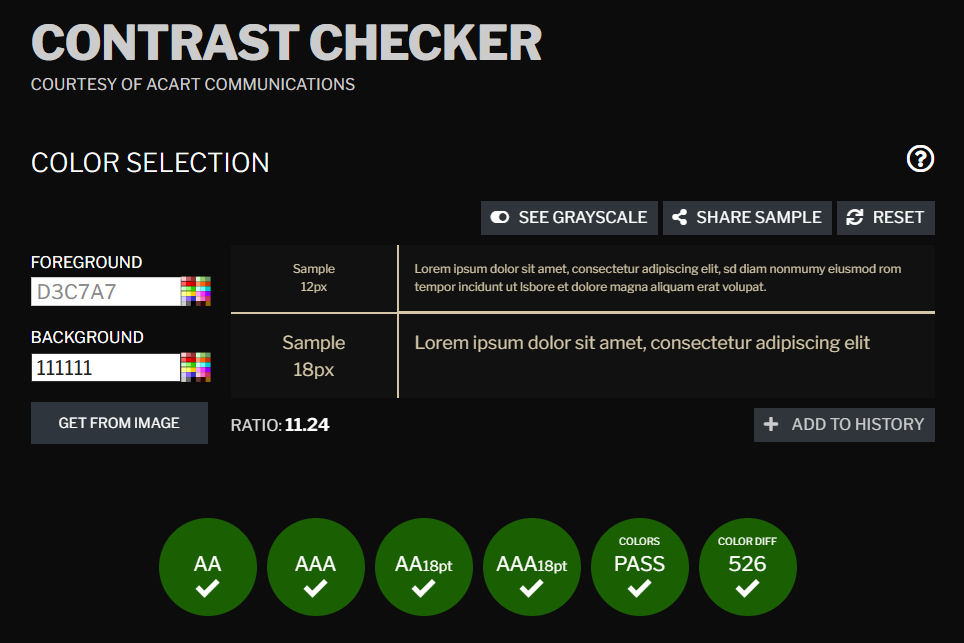
contrast
alongside shows the contrast check performed to ensure that the color palette is easy on the eyes. It is important that all aspects of design used are understood as calm and inviting by the eye of the viewer.
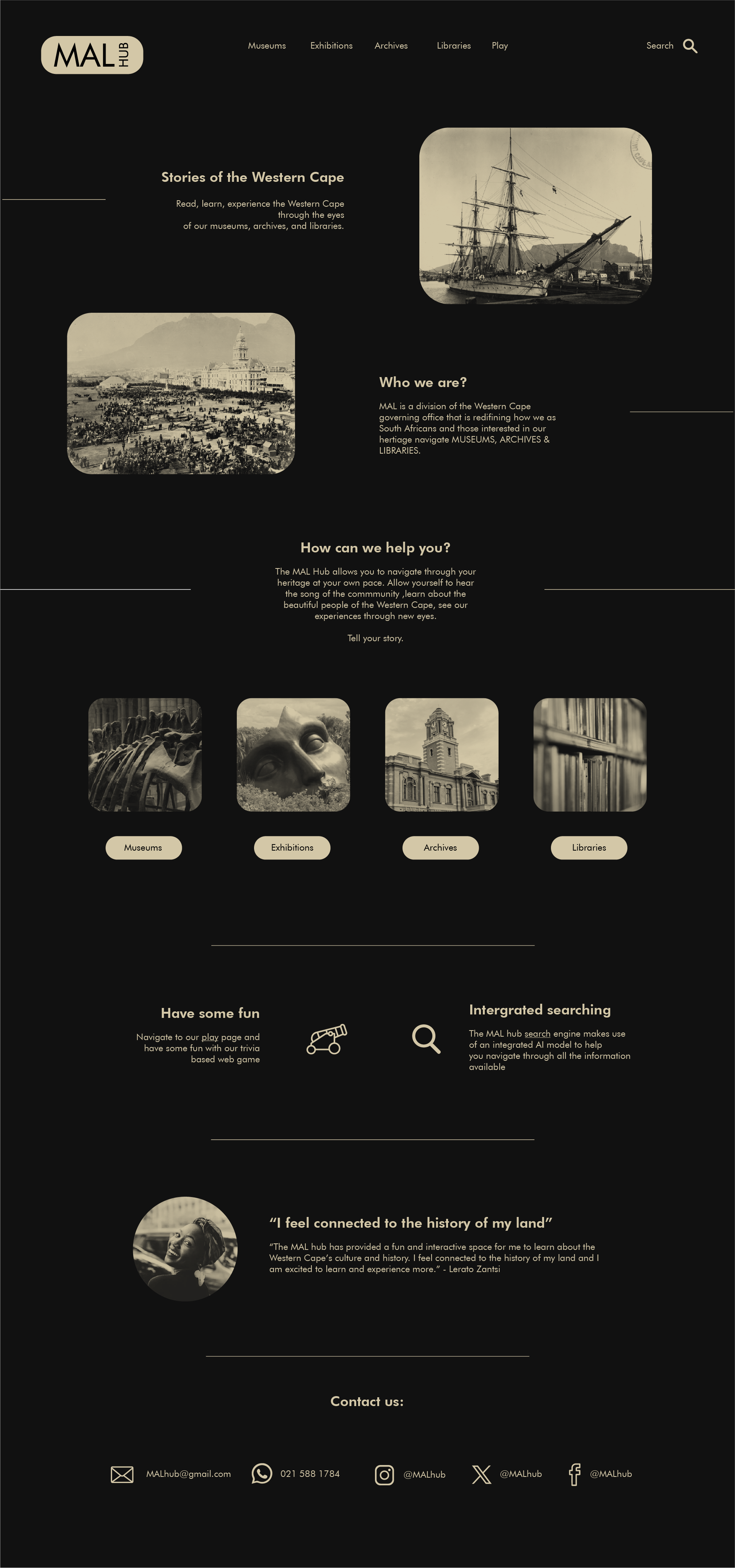
home
The MalHub home page opens with some lines animating from outwards inward. This is to calmly draw the viewer's eye to the content of the page. Following through the content the page, the user is first informed of Malhub's function, purpose and slogan.
The section that follows allow for the user to navigate to the other pages of the website.
The user is promted to experiment with the gamification page and search function of the Malhub website. The following section displays a case study to improve public opinion and incite the user to interact further. The navigation bar at the top allows for navaigation throughout the experience (hoverstate: underline)

Museums
The museums page allows the user to view a map of all the museums of the western cape. Once the cursor hovers over a specific location icon on the map, an infobox will appear providing the user with some information about the museums and a link to their website.
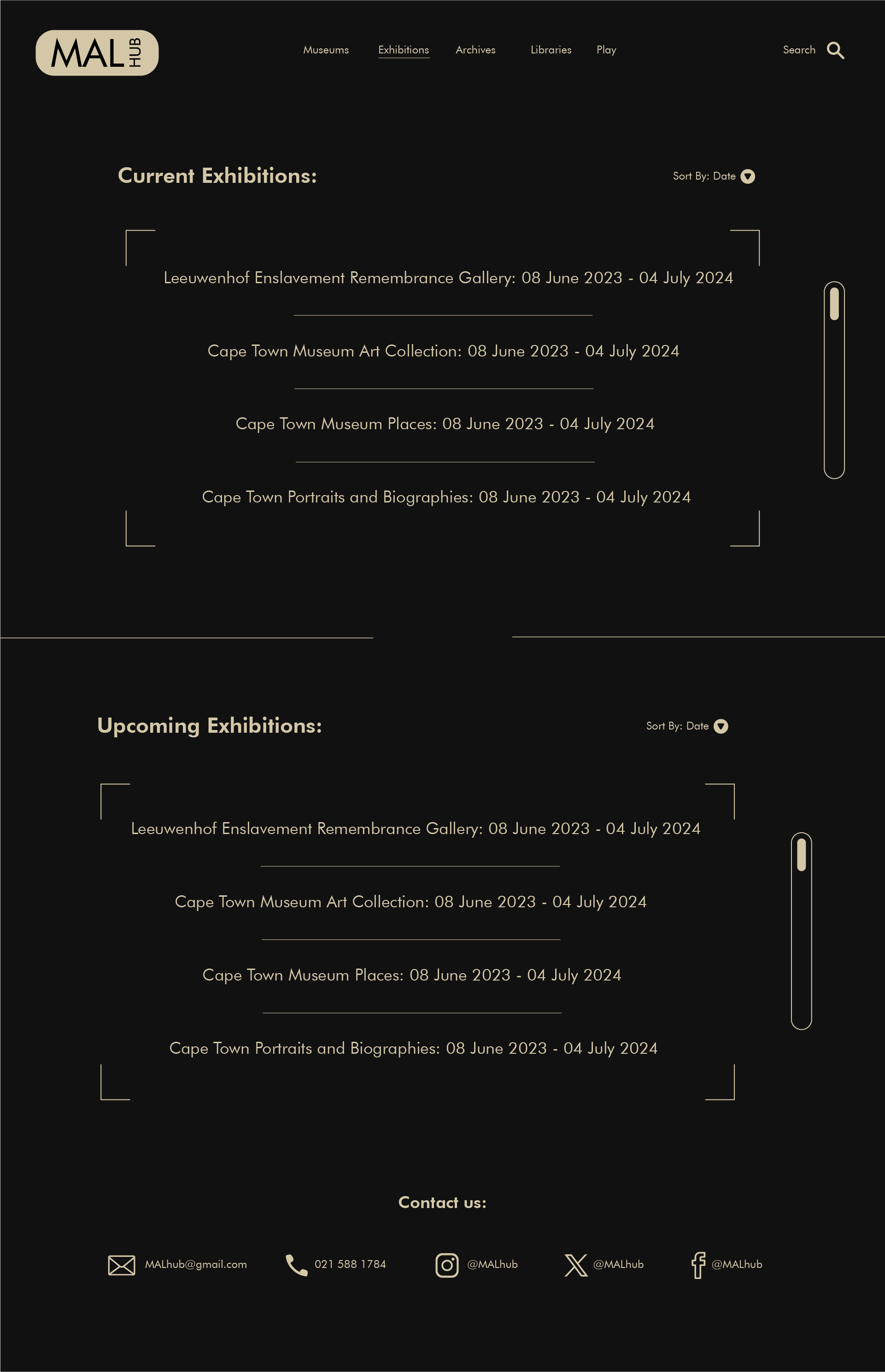
Exhibitions
The Exhibitions page offers two scrollable information boxes. Each exhibition item informs the user of the showing times and provides them with a link to make a booking or take a virtual tour.
The second structure informs the user of the upcoming exhibition and their dates, the user is also provded with links to make a booking or attend a virtual tour. the user is also given the option to filter the information through the dropdowns just above the boxes.
Archives
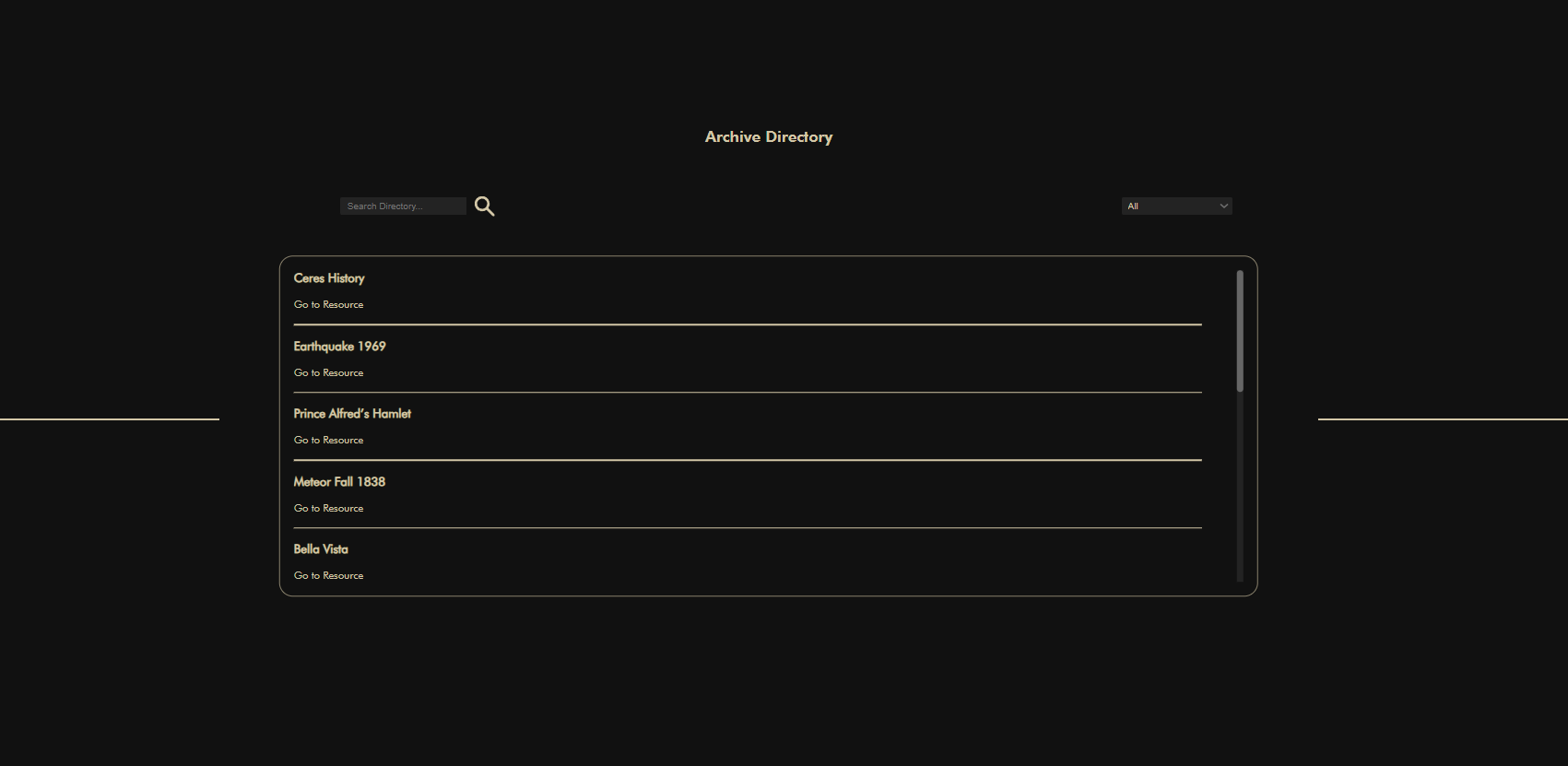
The archives page provides the user with a list of resources with each item having its own respective link to the original resource. The user is able to make use of the search bar or drop down filter to help naviagte trough scrollable list of resources.
Libraries
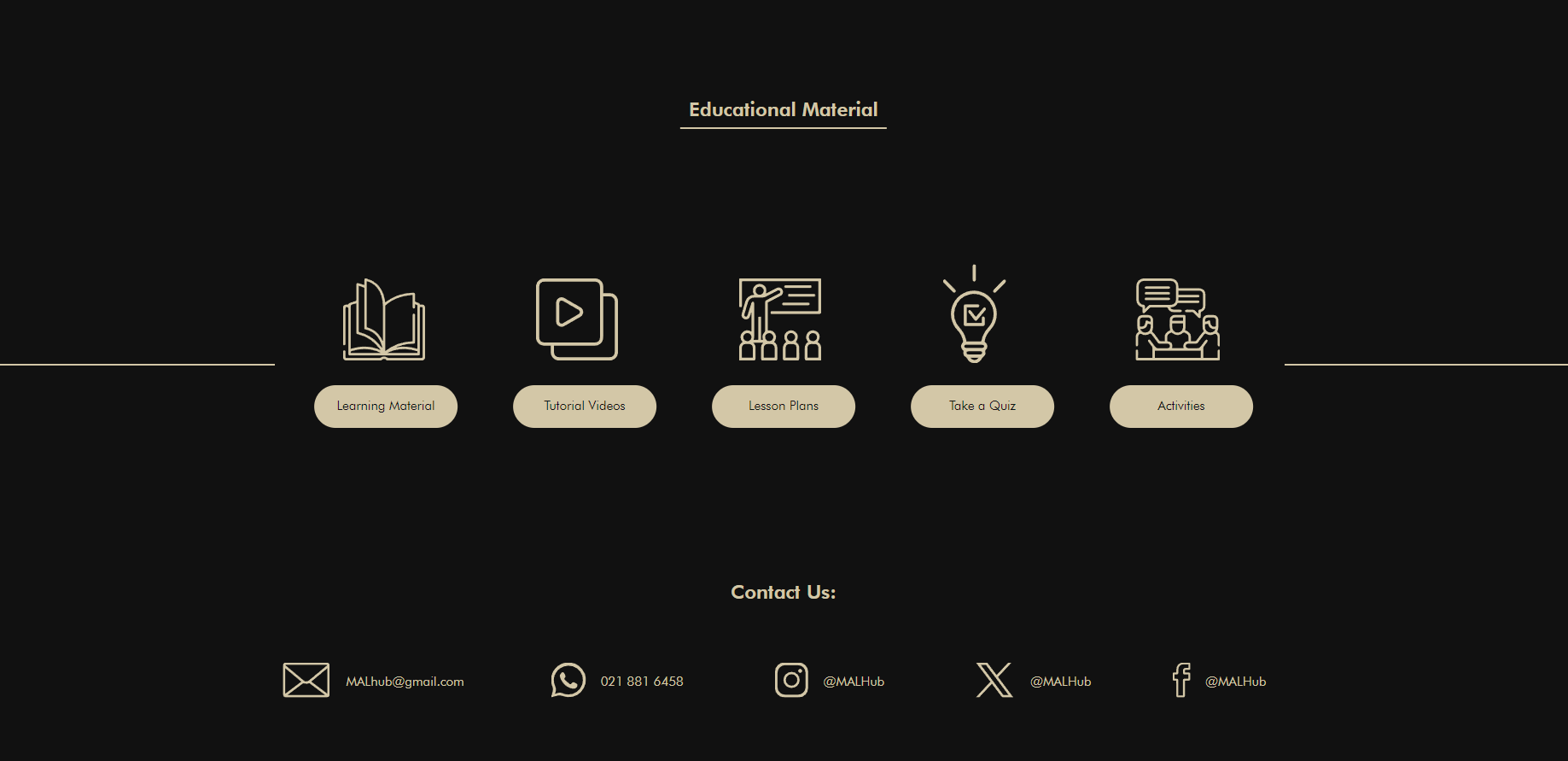
The libraries page acts a navigational section where the user may access the following resources: learning material, tutorial videos, lesson plans, free quiz, activities. Each button has a cursor hover state to indicate to the user that it is interactable.
play
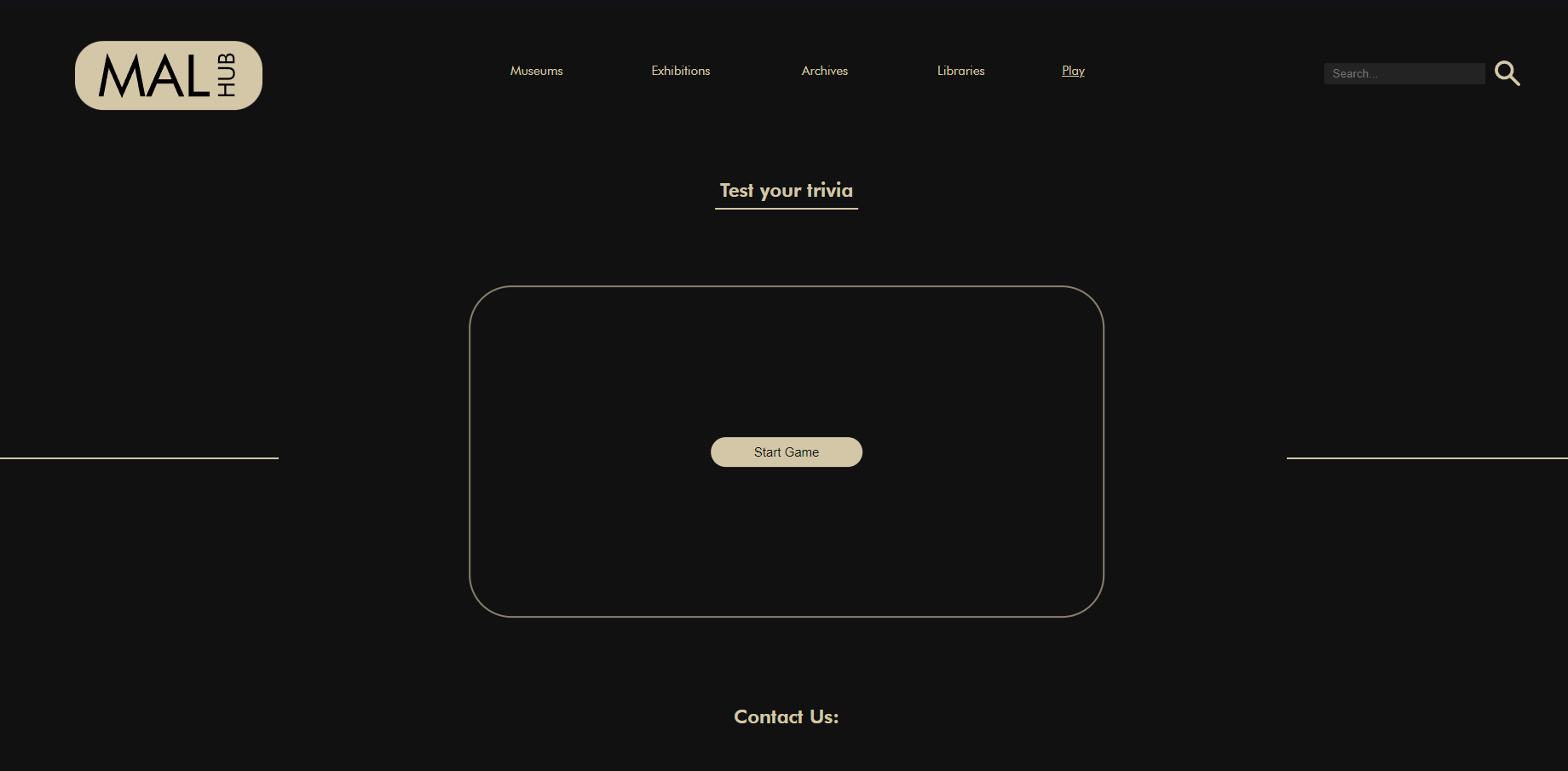
The play page allows for the user to play a quiz game. the game asks the user the questions where they only have ten seconds per question. At the end of the quiz the user's score is displayed and they are given the option to play again (play again button appears after the user is given their score).